How to Create and Verify a Google Business Profile in India (2026 Guide)
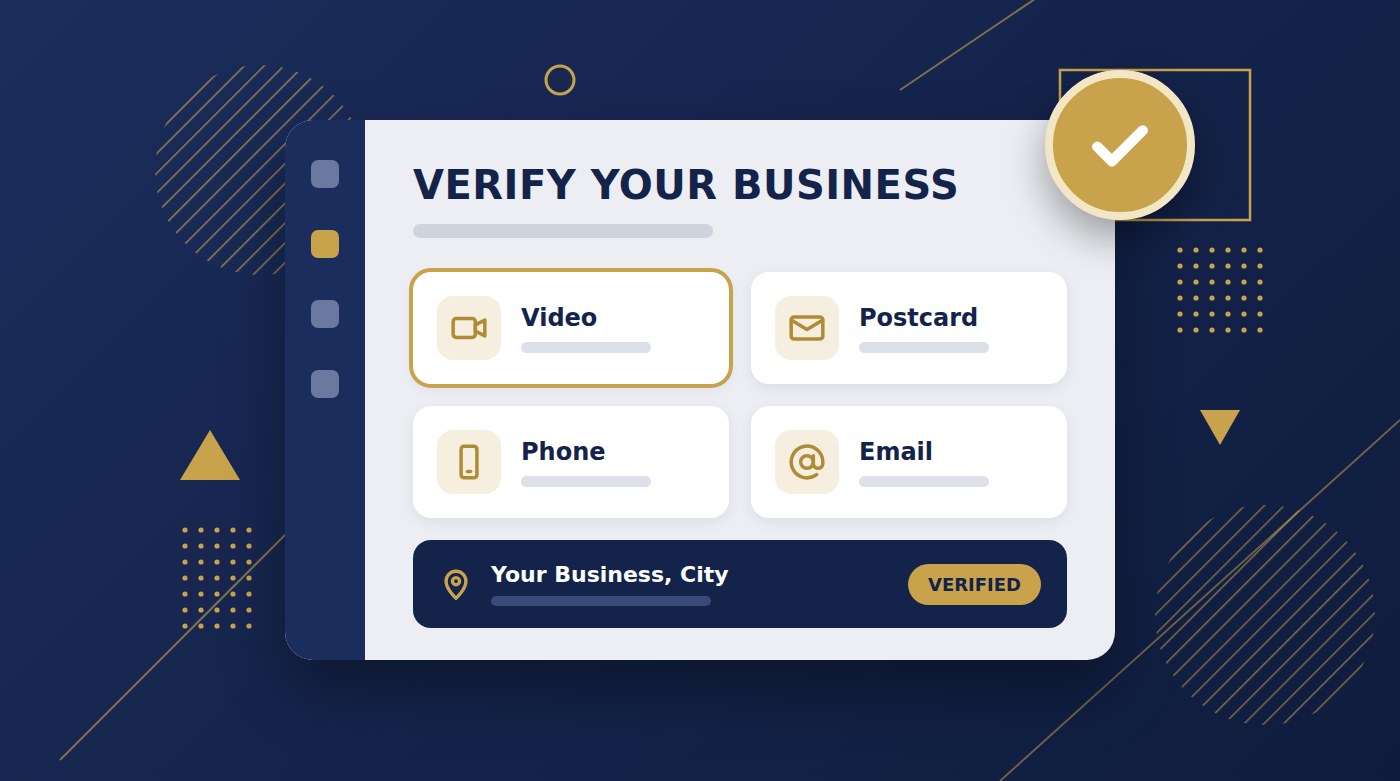
Creating the listing takes 10 minutes at business.google.com. Verification is the hard part. Most new Indian listings are asked for a video: record one continuous 1–2 minute clip that shows the street outside, your signboard, you opening the shutter, and your billing counter or work tools. The biggest reason Indian listings fail is having no permanent signboard.
When someone in your area searches "bakery near me" or "AC repair in Andheri", the businesses that show up on Google Maps are the ones with a verified Google Business Profile. If you don't have one, you're invisible to those customers, no matter how good your shop is.
Setting up the listing is easy. Getting it verified is where most business owners in India get stuck: the video gets rejected, the postcard never arrives, or the listing gets suspended a week later. This guide walks through both parts, with the India-specific problems that generic guides skip.
Before You Start: Have These Ready
- A Gmail account that you'll keep long-term. Use the owner's account, not a staff member's or an agency's, so you never lose access.
- Your exact business name as it appears on your signboard. No extra words.
- Your full address with pincode and a landmark, if customers come to you.
- A mobile number you actually answer. Indian mobile numbers work fine.
- A permanent signboard with your business name on it. This sounds minor. It isn't. It's the single most common reason Indian listings fail verification, so sort it out first.
How to Create Your Google Business Profile (Step by Step)
- Go to business.google.com and sign in with the Gmail account that will own the listing.
- Search for your business name. If a listing already exists (Google sometimes creates them automatically from Maps data), claim it instead of making a new one. Duplicate listings get suspended.
- Enter your exact business name. Write "Sharma Sweets", not "Sharma Sweets – Best Sweet Shop in Pune". Adding keywords or city names to your name is against Google's rules and is a common reason listings get suspended.
- Choose a specific category. "South Indian Restaurant" beats "Restaurant". "Dentist" beats "Medical Clinic". You can add more categories later, but the primary one matters most for which searches you show up in.
- Add your location. If customers visit you, enter your full address and drag the map pin onto your actual entrance, not the middle of the road or building. If you go to customers instead (tutors, electricians, home bakers, cleaners), choose service area and hide your address.
- Add your contact details: phone number, and website if you have one. No website is fine.
- Finish setup, and Google will show you the verification methods available for your business.
Which Verification Method Will You Get?
You don't get to choose. Google decides which methods to offer based on your business type, location, and history. The possibilities are:
- Video recording — the most common method for new listings in India right now.
- Phone call or SMS — a code sent to your business number. Instant when offered.
- Email — a code sent to your email. Also instant.
- Postcard — a code mailed to your address. Less common now, and the slowest.
- Live video call — a real-time call with a Google support agent. Sometimes offered, and you can also request it if other methods keep failing.
If you're offered phone or email, take it — you're done in a minute. If you're asked for a video, read the next section carefully before you hit record.
How to Pass Video Verification on the First Try
Google's reviewers are checking three things: that your business is really at that location, that it's a real operating business, and that you're the one who manages it. Your video has to prove all three in one take.
What to film, in this order
- The street outside. Start a little away from your shop. Show the road, a street sign, a neighbouring shop, or a well-known landmark, so the reviewer can match the spot to Google Maps.
- Your signboard. Walk up to the shop and clearly show the permanent signboard with your business name. The name must match your listing exactly.
- Proof you manage it. This is where Indian shops have an easy advantage: film yourself unlocking and opening the shutter. Unlocking the door with your key works too.
- Inside the business. Show your billing counter or POS machine, your stock, equipment, menu board, or anything branded with your business name.
Rules that get videos rejected if you break them
- One continuous take. No cuts, no edits, no clips joined together. If you mess up, start again from the beginning.
- Record inside the Google Business Profile or Google Maps app when prompted, not with your phone's normal camera and uploaded later.
- Keep it around 1–2 minutes. Too short and you won't show enough; much longer can fail to upload.
- Don't film people's faces, and don't zoom in on your GST number, bank details, or ID documents.
- Film in daylight, during a quiet time, with a steady hand. No narration needed.
If you don't have a shop (service-area businesses)
Film what proves your business is real: your vehicle with your business name or branding on it, your tools and equipment, a job in progress, and a recognisable street sign or landmark in the area you serve.
After you submit: reviews usually take up to about 5 business days. Don't edit your business name, address, or category while you wait — changes can restart the review or trigger a fresh round of checks.
Postcard Verification: What to Expect in India
If Google offers a postcard, it mails a card with a 5-digit code to your business address. You enter that code in your profile to verify.
- It usually takes one to two weeks to arrive, and can be slower depending on your area and India Post.
- The code expires 30 days after it's sent, so enter it as soon as the card arrives.
- If it hasn't arrived after about 14 days, you can request a new code from your profile. If you do, use only the code on the newest postcard.
- Don't change your name or address while you wait. It can invalidate the code that's already on its way.
- Make it findable: include your landmark and pincode in the address, and tell staff, your building's watchman, or neighbours to keep an eye out for a letter from Google.
The Most Common Reasons Indian Listings Get Rejected
- No permanent signboard. A printed flex banner, a handwritten board, or a name on a paper sign often isn't enough. A proper fixed board is the single best investment you can make before verifying.
- Business name doesn't match the signboard, usually because the owner added keywords like "Best" or a city name to the listing.
- Edited or stitched video. Even one cut fails it.
- Video shot only inside. Without the street and signboard, the reviewer can't confirm the location.
- Map pin in the wrong place, such as on the main road instead of in your lane.
- Home address shown for a service-area business when customers don't actually visit you there.
- Duplicate listings for the same business, often created by a previous owner, a staff member, or an old agency.
- Virtual office or co-working address that you don't staff during business hours.
What to Do If You're Rejected or Suspended
- Fix the specific problem first — usually the signboard, the name, or the video — then try again.
- If videos keep failing, contact Google Business Profile support and ask for a live video call. A real person can often clear things up faster than repeated uploads.
- If your listing is suspended, fix what's wrong and submit an appeal from your profile.
- Don't create a new listing to start over. Google treats it as a duplicate, which makes things worse.
Stuck on verification? We'll do it for you.
Replykar's Google Business Setup Kit handles everything end to end — creating your listing, photos, description, and verification, including troubleshooting rejected videos. Book with ₹19 and we'll talk on WhatsApp before you pay anything more.
See the Setup Kit →Once You're Verified: Do These 5 Things First
- Add real photos — storefront, inside, and your products or work.
- Set accurate hours, including your weekly holiday.
- Write a short description of what you do and who you serve.
- Ask your regular customers for reviews. A QR code at the counter and a link on WhatsApp work best. Our guide to getting more Google reviews covers this step by step.
- Reply to every review. It shows customers you're active, and it helps how you rank. See how to reply to Google reviews — or let Replykar reply automatically in your tone, including Hinglish.
For keeping the profile in good shape after that, see our complete guide to managing your Google Business Profile.
FAQ
Is a Google Business Profile free in India?
Yes. Creating and verifying a Google Business Profile is completely free. Google never charges for a listing, so be wary of anyone who claims you must pay Google to get verified.
How long does Google Business Profile verification take?
Phone and email verification are usually instant. Video verification is reviewed within about 5 business days. Postcards typically take one to two weeks to arrive, and sometimes longer in India.
Can I choose which verification method I get?
No. Google decides which methods to offer based on your business type, location, and history. Some businesses see several options, others see only one. Most new listings in India are currently asked for a video.
Do I need a GST number to create a Google Business Profile?
No. Google does not ask for GST or any business registration to create or verify a listing. What it does need is proof that your business is real and operating at the place you say, which is why a permanent signboard matters so much.
Can I create a Google Business Profile without a shop or office?
Yes, if you serve customers at their location — for example tutors, electricians, home bakers, or cleaning services. Set it up as a service-area business and hide your home address. You cannot list a business that has no real customer contact at all.
What should I do if my verification video is rejected?
Fix the specific problem (usually a missing signboard, an edited video, or no street-level context) and record again. If you keep failing, contact Google Business Profile support and ask for a live video call. Do not create a second listing to start over.
Found this useful? Mark Replykar as a preferred source for Google Business Profile topics.